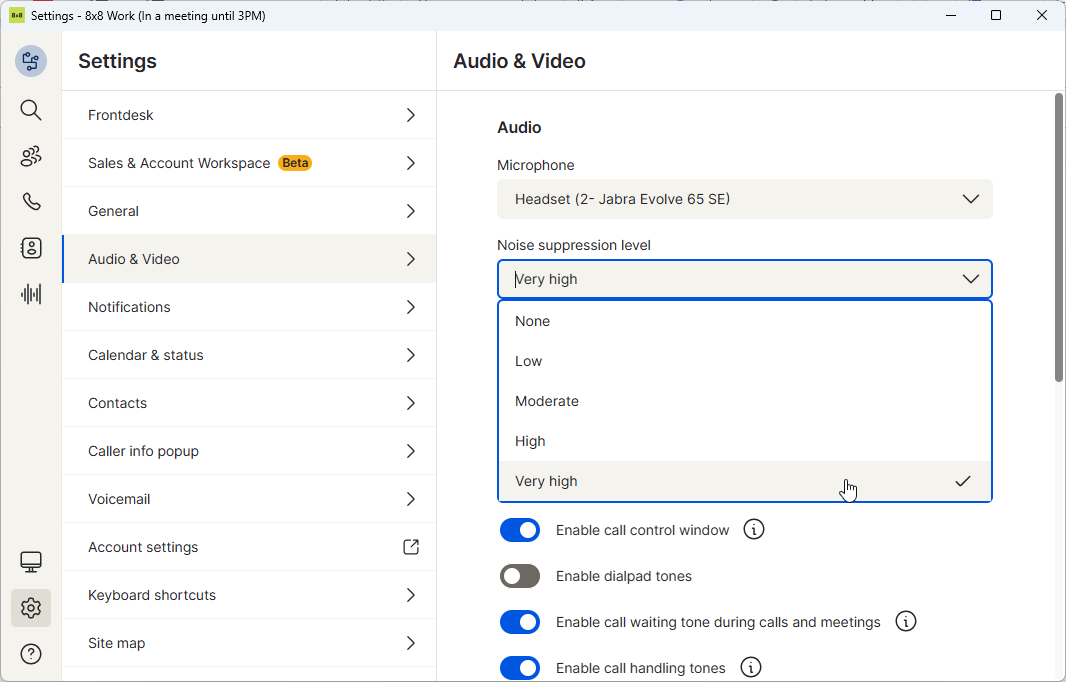
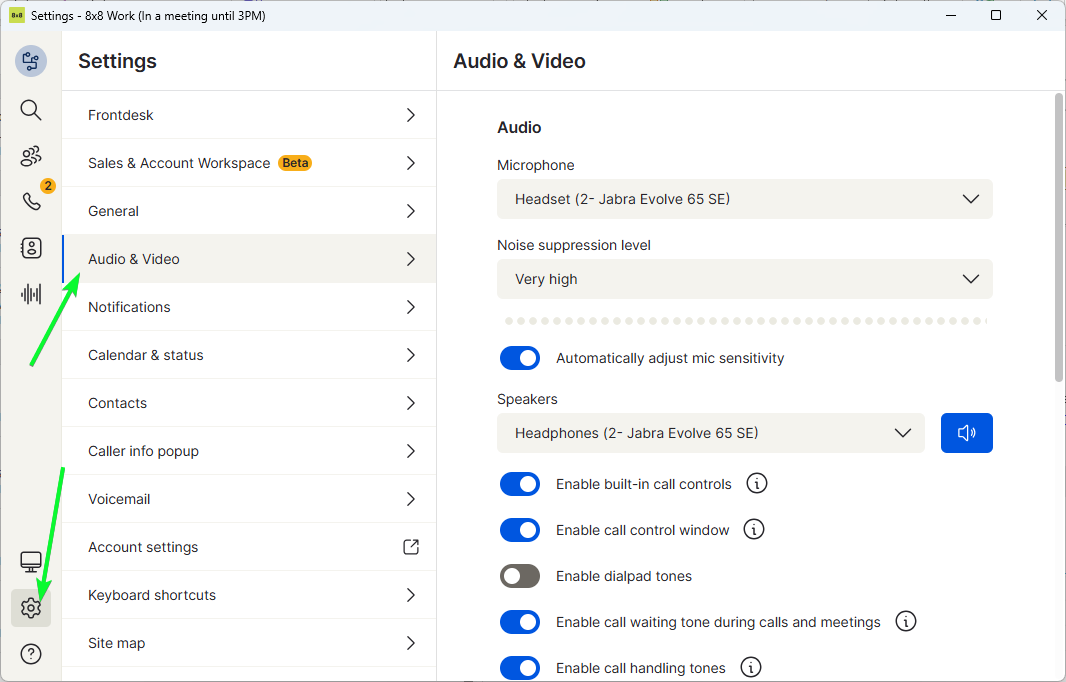
Heading to Settings > Audio & Video will allow you access your in call settings.
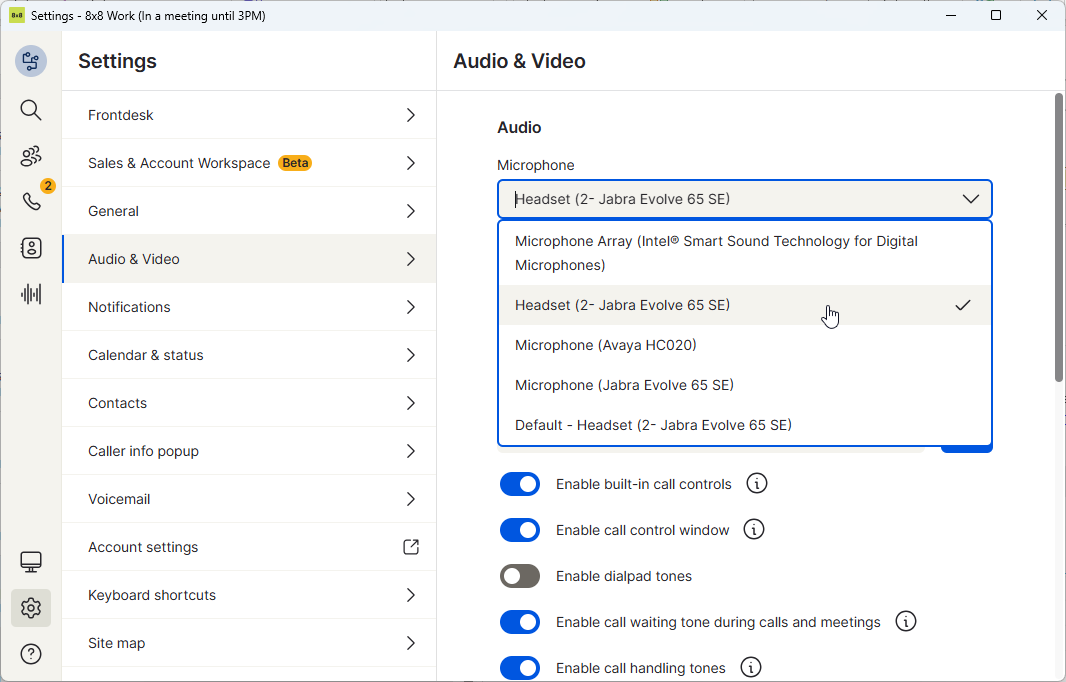
Ensure the headset is set to the correct headset, not left as default.
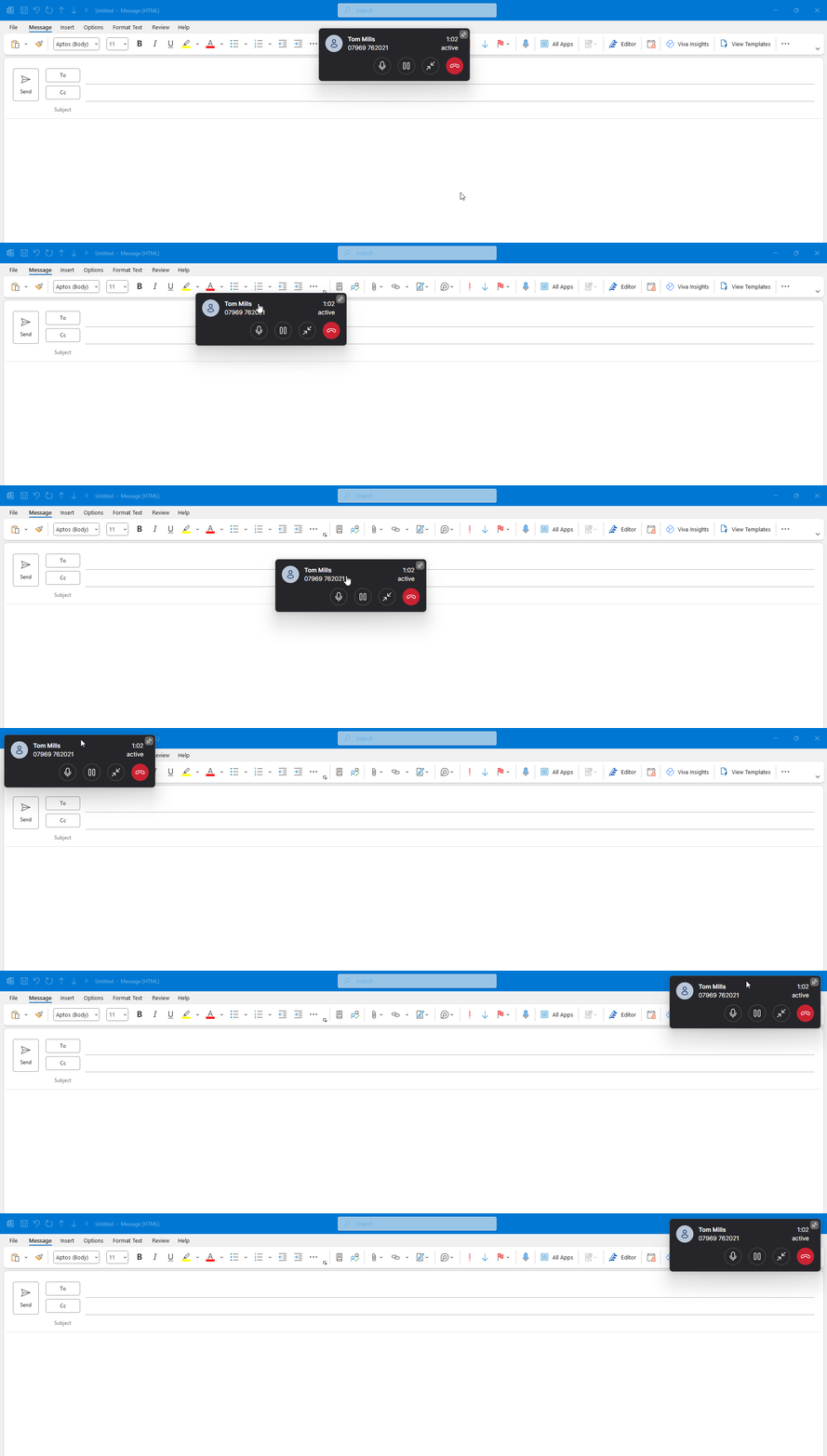
By default, if you are in a call and the 8x8 app is minimised, you will get a call control pop up allowing you to manage the call. This can be dragged around and relocated.
To disable this window turn off enable call control window.
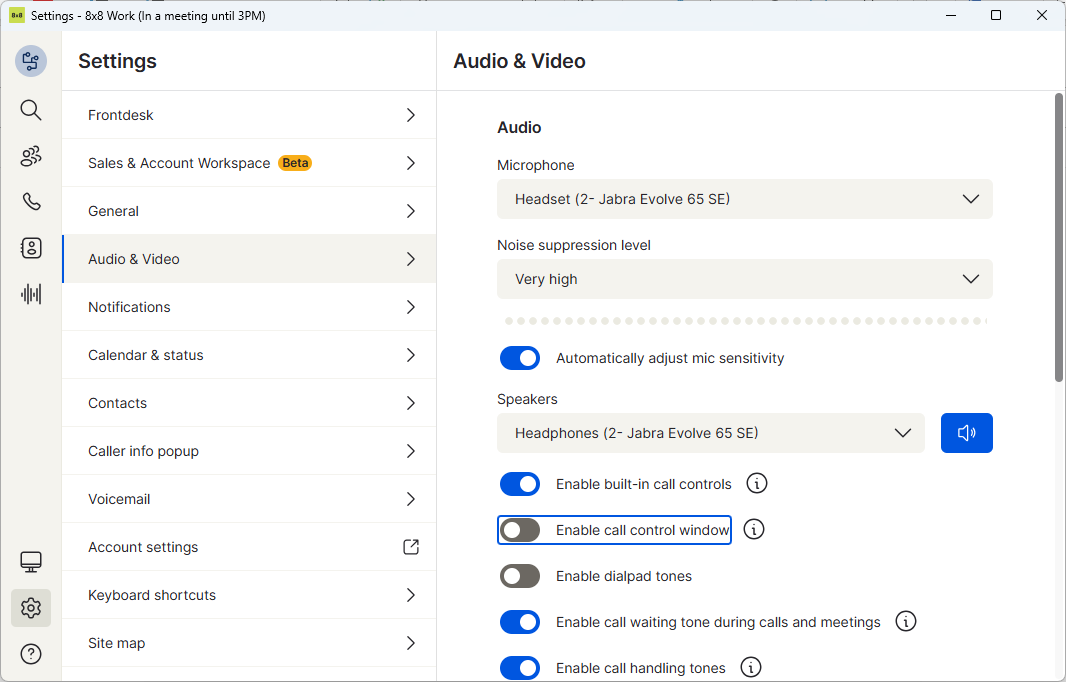
Lastly, if your environment is particularly noisy, you can adjust your noise suppresion level up to very high.