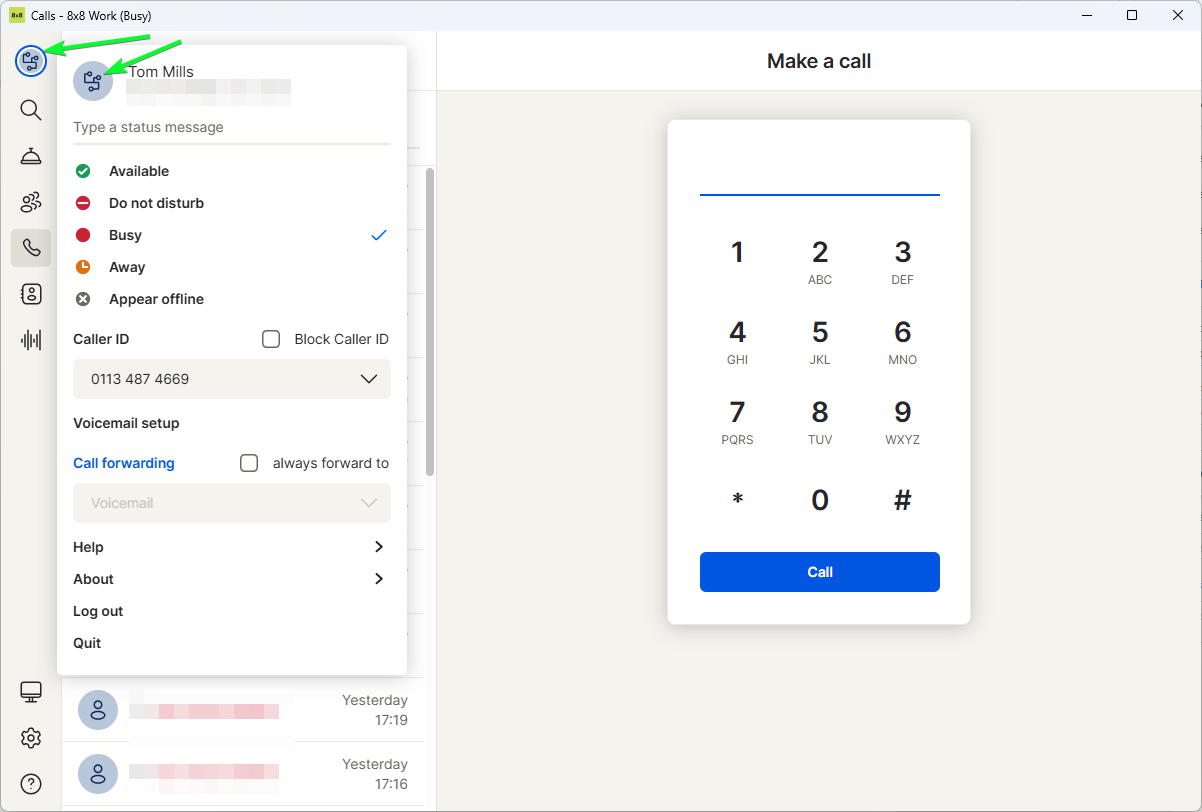
Click the profile menu, then click upload photo.
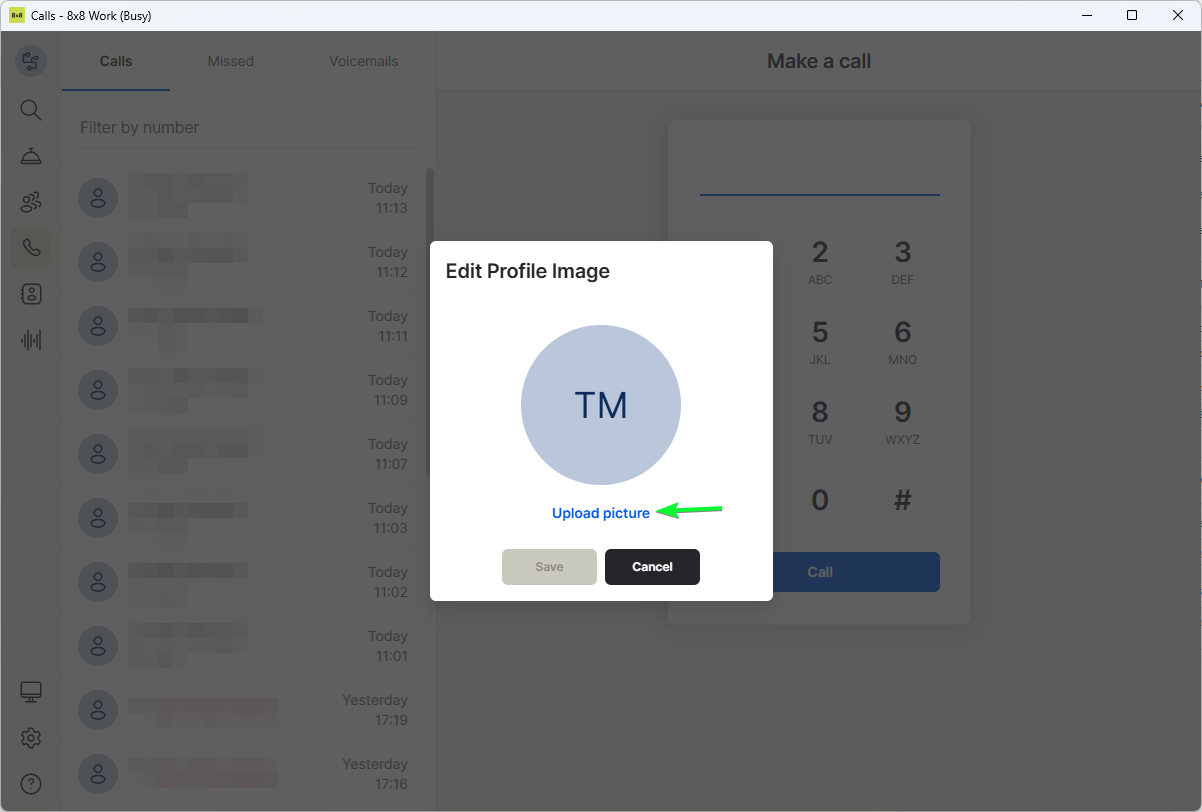
Click upload picture.
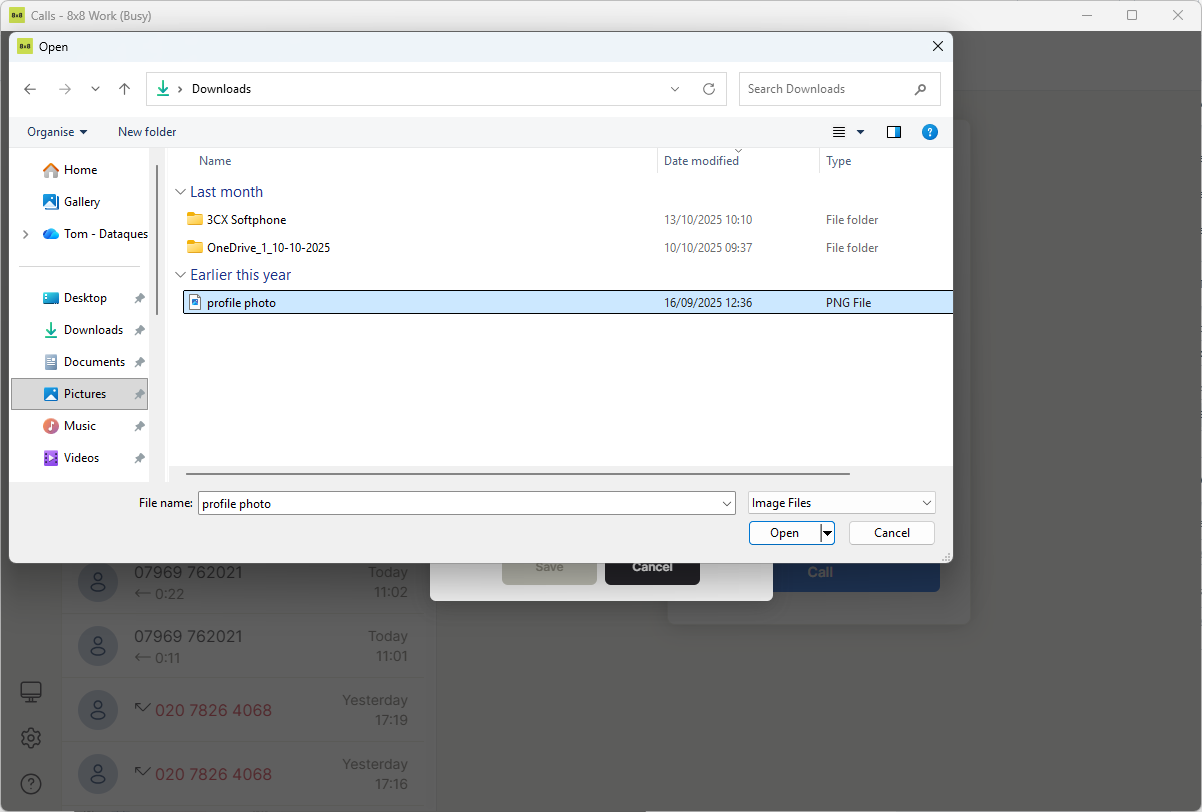
Select a photo to upload and click open.
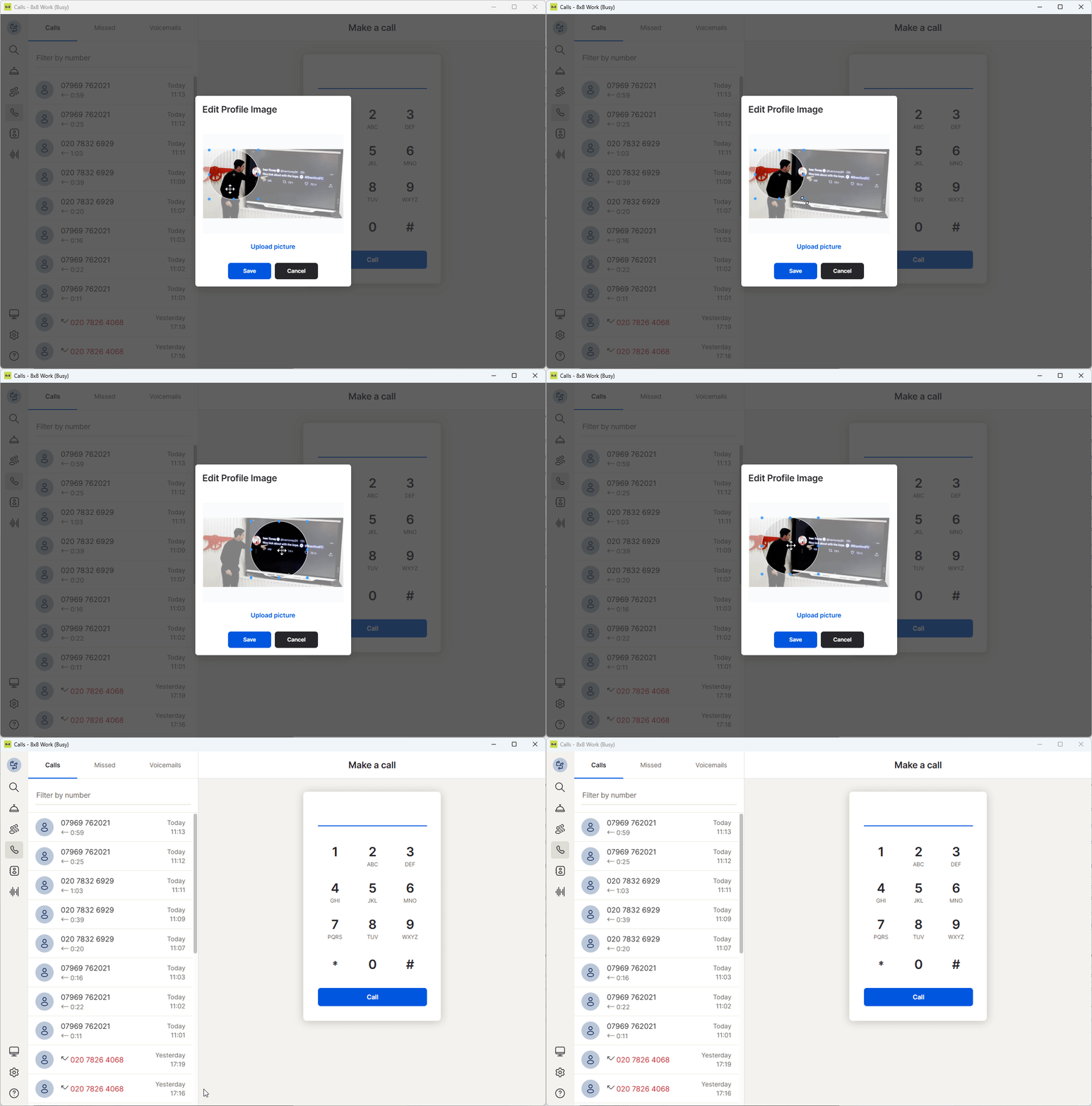
Resize and relocate the circle as wanted, then click save.

Modified on: Tue, 11 Nov, 2025 at 11:47 AM
Click the profile menu, then click upload photo.
Click upload picture.
Select a photo to upload and click open.
Resize and relocate the circle as wanted, then click save.
Did you find it helpful? Yes No
Send feedback